
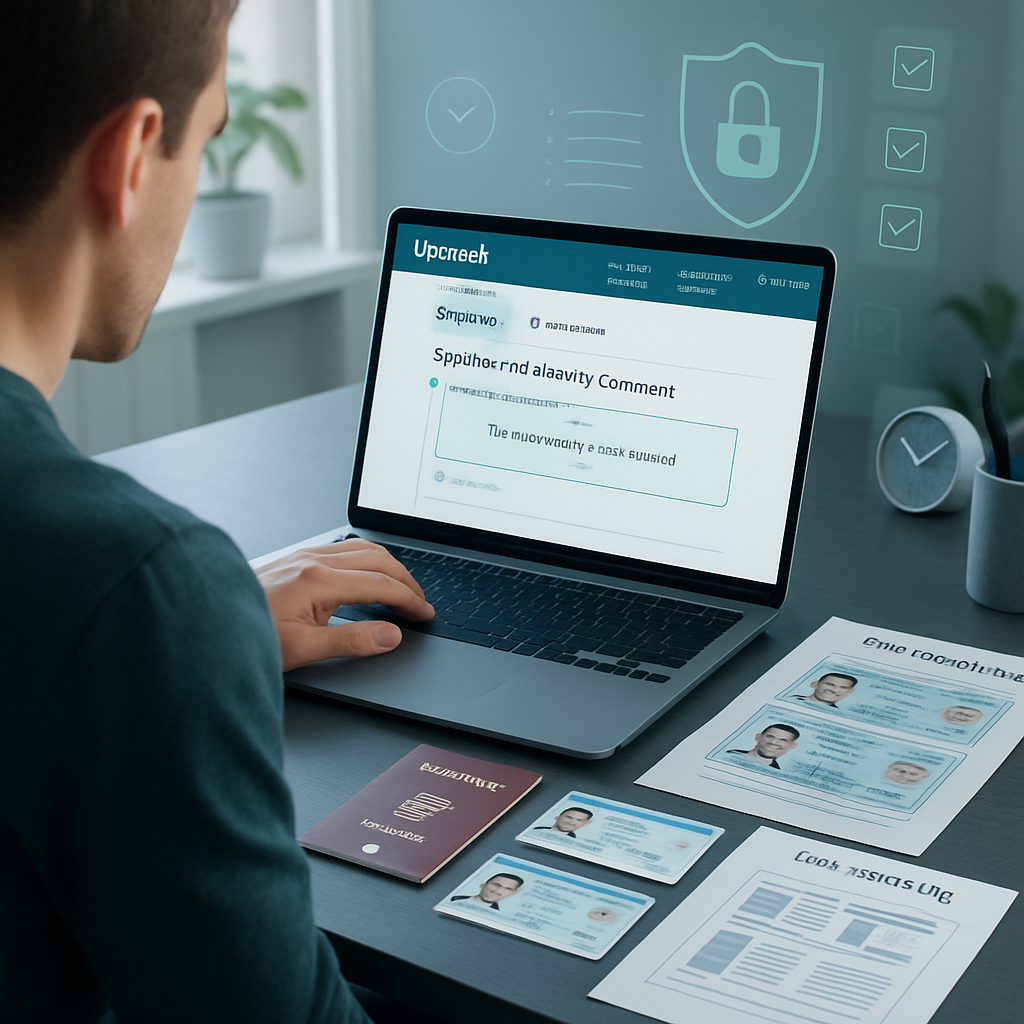
Ensuring smooth identity submission on Upwork is essential for freelancers aiming to maintain uninterrupted account access and prevent suspension. Navigating the Upwork identity verification process requires a clear understanding of accepted government-issued IDs and strict adherence to photo quality and document submission guidelines. Using organized, compliant templates can significantly improve the clarity and consistency of your submissions, making the process faster and more reliable.
This guide will walk you through each step of how to properly submit your identity documents on Upwork, highlight common pitfalls such as blurry images or expired IDs, and offer practical tips to avoid delays or denials. By prioritizing early compliance with Upwork’s requirements, you can safeguard your Upwork account and ensure your freelancing work continues without interruption. Let’s explore how following these best practices helps you efficiently verify your Upwork account and reduce suspension risks.
Ensuring proper identity verification on Upwork is critical for freelancers to maintain account access and avoid suspension. This guide outlines the essential steps and best practices to submit valid government-issued ID documents effectively.
- Follow Upwork’s accepted ID types strictly: Use valid government-issued IDs such as passports, driver’s licenses, or national ID cards as per Upwork’s guidelines.
- Adhere to photo submission requirements: Submit clear, unaltered images matching Upwork’s specific photo quality and format standards to prevent rejection.
- Complete each verification step carefully: Follow the step-by-step submission process accurately, including uploading all required documents and supporting templates where necessary.
- Understand common causes of failures: Avoid blurry images, expired IDs, or mismatched personal information to reduce the risk of verification denial.
- Take proactive measures to prevent suspension: Ensure all documents are timely submitted and updated, and familiarize yourself with Upwork’s identity guidelines before applying.
- Leverage supportive templates when applicable: Use recommended document templates to organize and present your submissions clearly for smooth verification.
- Hidden insight—prioritize prevention over correction: Emphasizing early compliance with Upwork’s submission rules is more effective than trying to resolve suspension issues afterward.
Next, you will learn each document submission stage in detail along with practical tips to enhance approval chances and safeguard your Upwork account. These guidelines are intended to assist freelancers with their profile verification process and are not a substitute for official Upwork policies.
Accepted Government-Issued IDs for Upwork Identity Verification
When preparing for Upwork identity verification, selecting the correct document is crucial for smooth processing. Upwork typically requires clear, government-issued photo IDs that verify your identity reliably. The primary accepted documents include passports, driver’s licenses, and national ID cards issued by recognized authorities. Using these ensures that your submission aligns with Upwork’s standards and reduces the likelihood of rejection.
Start by reviewing your available IDs and prioritizing those that are valid and up-to-date. Passports are often preferred because of their standardized format and worldwide recognition. Driver’s licenses offer a good alternative, especially in countries where national ID cards are not prevalent. National ID cards provide another reliable option if they contain all necessary personal data and a clear photo.
To streamline document preparation, you can utilize professional document templates like passport PSD templates and driver license PSD templates. These templates help visualize your documents cleanly, allowing you to verify all information placement and clarity before submission.
How to Choose the Right ID for Your Submission
Choosing the optimal document from your options involves several factors:
- Validity: Check expiry dates carefully. Only unexpired documents are accepted.
- Consistency: Make sure the name, birthdate, and other details exactly match your Upwork profile.
- Country Availability: Some countries have stronger preference for passports or national ID cards, so choose accordingly.
These considerations help ensure your submission will be processed promptly and reduce the chances of an initial denial. Preparing your documents with a template for layout clarity is an effective next step before capturing the images for upload.
Upwork ID Verification Process: Step-by-Step Submission Guide
The verification process requires precise document preparation and careful submission to meet Upwork’s stringent requirements.
Preparing Your Identity Documents
Begin with original documents—copies or altered versions can cause delays or rejection. Follow these steps to prepare:
- Ensure your document is in good condition—no tears, stains, or heavy creases that obscure important details.
- Use a high-resolution camera or scanner. Natural lighting against a neutral background improves image quality.
- Capture both front and back of documents where applicable, maintaining focus on text and photos.
Prepared with clear and authentic images, your documents stand a better chance of approval. Next comes the crucial step of uploading them correctly.
Uploading Your ID on Upwork Platform
Follow Upwork’s instructions carefully when submitting. Key tips include:
- Use acceptable file formats such as JPEG, PNG, or PDF.
- Upload separate files if requested for front and back images.
- Review the preview to confirm all information is legible and properly oriented before final submission.
Each of these actions eliminates common upload errors. Utilizing templates can further improve document presentation.
Using Supported Templates for Clear Document Presentation
PSD templates are a robust tool to model your identity documents and ensure text fields, photos, and security features are captured clearly. Examples include:
- California Driver License PSD template for driver’s license formatting
- USA Passport PSD template for passport layouts
Such templates help verify the completeness and clarity of your document images before upload, preventing common issues such as cropping or shadow interference.
Common Reasons for Upwork Identity Verification Failures
Understanding why verification attempts might fail is key to avoiding them.
Blurry or Altered Images
Poor image quality is a frequent cause of failure. Upwork’s system and manual reviewers require high-resolution photos that clearly show all data without editing or filters. Avoid artificial enhancements—natural, consistent lighting and stable capture are essential.
Expired or Invalid Documents
Using a document beyond its expiry date or one that does not meet the government’s validity standards leads to automatic rejection. Always double-check the expiry to ensure compliance.
Inconsistent Personal Information
Discrepancies between your ID and Upwork profile can be flagged and require corrective action. Confirm that the spelling of names, dates of birth, and other personal identifiers are exactly the same before submission.
For additional insights on common pitfalls and correction tips, refer to this detailed guide.
Proactive Measures to Prevent Upwork Account Suspension
Preventing verification issues safeguards your Upwork account from suspension. Implement these best practices:
Timely Submission and Updates of Identity Documents
- Respond promptly to Upwork’s identity requests.
- Update your document uploads if your personal information or ID changes (e.g., after passport renewal).
Familiarizing Yourself with Upwork’s Identity Guidelines
Regularly review Upwork’s identity policies since updates can affect accepted documents and submission protocols. Staying informed means fewer surprises during verification.
Prioritize Prevention Over Correction
Invest time in perfecting submissions initially rather than facing suspensions or lengthy appeals later. Accurate, clear initial documents minimize disruptions and maintain uninterrupted platform access.
Tips for Successful Upwork Identity Submission
Maximize your chances of a smooth verification with these detailed tips:
Follow Photo Submission Requirements Strictly
- Adhere exactly to size and format specifications laid out by Upwork.
- Ensure photos are well-lit with no glare, shadows, or cropping issues.
- Avoid use of any photo filters or edits that alter the natural appearance.
Organize Documents Using Recommended Templates
PSD templates streamline the process by providing a clean, professional document layout that helps you visualize and adjust details in advance of photographing or scanning your documents.
Double-Check All Information Before Uploading
Review every element for accuracy, legibility, and consistency with your profile. This final quality check reduces rejection risk and cuts time to approval.
Legal & Ethical Use of Identity Document Templates
- Always use identity document templates strictly for mockups, educational demonstrations, or as design references.
- Templates should never imply any official validity or endorsement by Upwork or government authorities.
- Ensure your usage complies with relevant laws and platform terms; misuse for fraudulent purposes carries legal consequences.
Conclusion
Successfully navigating Upwork’s identity verification process requires careful document selection, preparation, and submission. By prioritizing valid, government-issued IDs such as passports, driver’s licenses, or national ID cards that match your profile details exactly, you set the foundation for smoother approval. Leveraging professional PSD templates not only aids in visualizing your documents clearly but also enhances consistency and prevents common errors like cropping or poor lighting before submitting images.
Attention to detail—ensuring documents are current, unaltered, and captured in high resolution—significantly reduces rejection risks and unnecessary delays. Staying informed about Upwork’s evolving guidelines and proactively updating your documents helps maintain uninterrupted access to the platform. Using recommended templates also streamlines your workflow, promoting speed and quality in every submission.
Moving forward, integrating these best practices into your verification routine will elevate your professional presentation and minimize disruptions. Thoughtful preparation and careful review turn a complex requirement into a manageable step, keeping your Upwork experience efficient and reliable.