
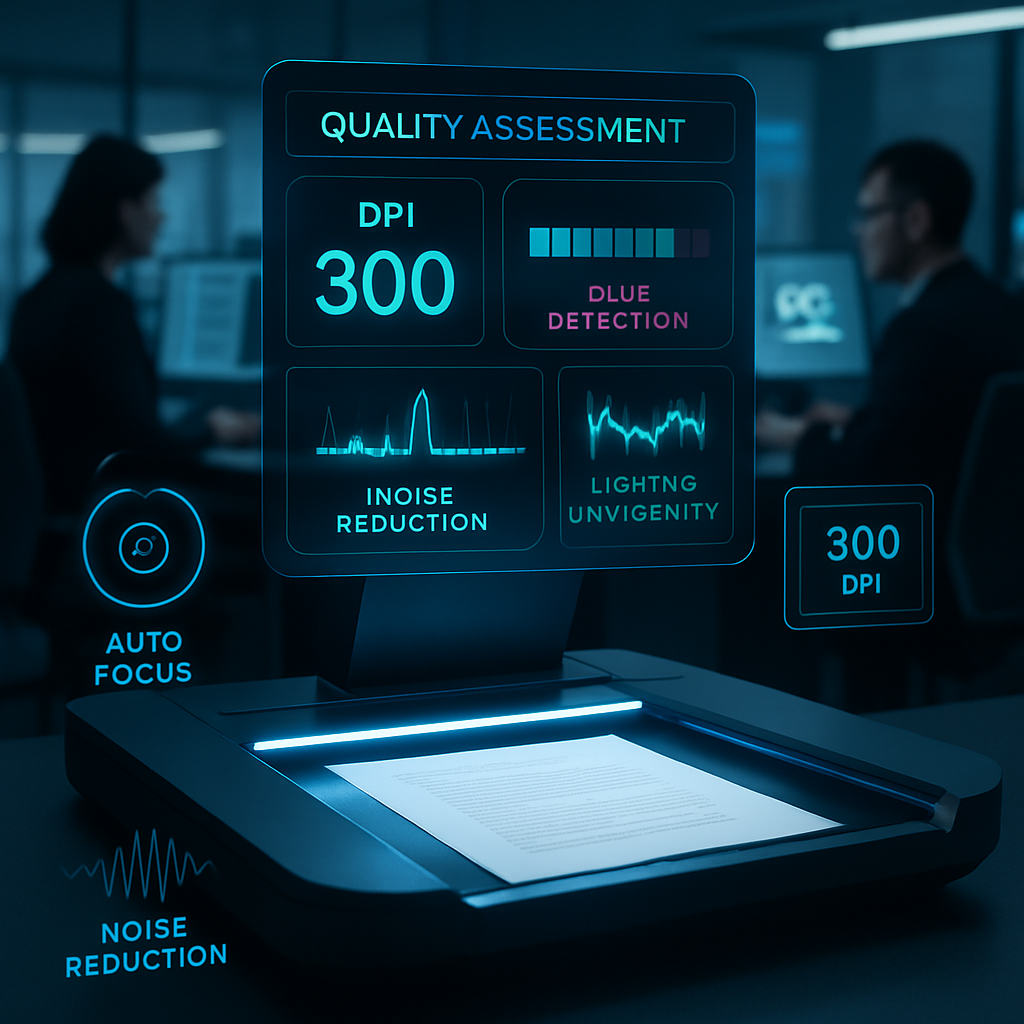
Is your scanned document clear enough to ensure accurate OCR reading? Understanding document scan quality is crucial for creating high-resolution document scans that meet the technical demands of automated text recognition systems in banking and other professional settings. High-quality scans reduce errors caused by blurriness or noise, speeding up processing and maintaining consistency across digital workflows.
This guide explains why blurry document rejection occurs and highlights key factors like optimal DPI settings, lighting control, and focus adjustment that directly impact OCR accuracy improvement. You’ll also explore practical tools and best practices to consistently produce clean document digital copies ready for seamless extraction and analysis.
Let’s explore how precise scanning techniques and real-time quality assessment can transform your document capture process, ensuring sharper images and higher OCR success rates without compromising the integrity of the original text.
Understanding document scan quality is essential to achieving high OCR accuracy, especially in banking contexts where clear digital copies are critical. This guide dispels myths around blurry documents and highlights practical steps to enhance scanning outcomes for improved verification success.
- Optimize DPI settings for clarity: Scanning at the ideal 300 DPI or higher ensures sufficient detail for OCR engines to accurately interpret text and data.
- Control lighting and focus during capture: Proper illumination and sharp focus prevent shadows and blurriness that degrade document readability.
- Implement real-time quality assessment: Use scanning apps with integrated quality analyzers that alert users to issues before submission, reducing OCR rejection rates.
- Remove visual noise and artifacts: Apply noise reduction techniques carefully to maintain text integrity without introducing distortions.
- Understand OCR sensitivity to image quality: Blurry scans cause misreads, incomplete extraction, and ultimate rejection within banking workflows.
- Follow best practices consistently: Aligning technique and technology—from capture to final image processing—provides the highest chance of OCR approval.
- Leverage technical tools strategically: Combining hardware capabilities with software enhancements yields cleaner, high-resolution document images ready for automated analysis.
Next, we will delve deeper into scanning setups and software tools that help maintain document image clarity and maximize OCR success. These guidelines are designed for improving digital document processing integrity and are not intended to circumvent official document handling procedures.
Understanding the Impact of Document Scan Quality on OCR Accuracy
The quality of a document scan directly influences how effectively OCR systems can extract text, especially in environments requiring precise data handling such as banking. When documents are scanned with high clarity, OCR engines can accurately recognize characters and formatting, minimizing manual corrections and accelerating verification processes.
Why Document Scan Quality Matters for OCR Systems
OCR systems depend on distinguishable text features such as sharp edges, consistent stroke width, and minimal noise. High-quality scans provide these features, enabling OCR to render text with minimal errors. Poor quality scans, in contrast, create ambiguities that reduce recognition rates, causing workflow inefficiencies and potential misinterpretations.
Common Reasons Behind Blurry Document Rejection
- Low resolution causing pixelation and loss of detail, making characters indistinct
- Unfocused scans or camera captures leading to soft or smeared text edges
- Shadows and glare obscuring portions of text critical for accurate reading
- Noise and compression artifacts that confuse OCR pattern matching algorithms
Understanding these factors sets the stage for optimizing scan parameters such as DPI and resolution to improve OCR accuracy effectively.
Optimizing DPI and Resolution to Achieve High-Resolution Document Scans
Choosing the right DPI (dots per inch) and resolution balances detail capture and file manageability, which is crucial for production environments processing large document volumes.
Choosing the Ideal DPI for Document Scanning
- Set scanning resolution to at least 300 DPI to ensure crisp character edges and sufficient detail
- Higher DPI (up to 600) may be used for intricate documents with fine print, but consider increased file sizes
- Maintain a balance between DPI and file size to ensure faster upload and processing without sacrificing OCR quality
Technical Tips for Setting Scanning Resolution
- Use scanner software to lock DPI settings and avoid accidental resolution shifts between scans
- Employ multi-pass scanning modes available on advanced devices to enhance image clarity and depth
Optimizing DPI complements sound lighting and focus control techniques, which together maintain image clarity vital for OCR systems.
Lighting and Focus Control Techniques for Superior Document Image Clarity
Proper illumination and precise focusing eliminate many common barriers to clear document image capture, facilitating OCR success.
Ensuring Proper Illumination During Scanning
- Use diffuse lighting to evenly illuminate the document and minimize shadows or bright spots
- Prevent glare by adjusting the angle of light sources or using non-reflective sleeves under glass scanners
Achieving Sharp Focus to Prevent Image Blurriness
- Employ auto-focus features on scanners and document cameras whenever available to guarantee optimal sharpness
- For manual focus devices, carefully adjust lens sharpness prior to capture and verify clarity on a test scan
- Avoid common errors such as focusing on background surfaces instead of the document face
With these measures, scanned documents achieve ideal visibility and focus, setting the groundwork for real-time quality assessments to catch issues prior to submission.
Real-Time Document Quality Assessment for Reducing OCR Rejection Rates
Integrating real-time quality analyzers into scanning workflows helps identify and correct image deficiencies immediately, significantly lowering rejection risks.
Utilizing Document Quality Analyzer Tools
Modern scanning software often includes built-in document quality analysis modules that inspect scans for blur, uneven lighting, and resolution compliance before saving or sending.
- Blur detection algorithms analyze sharpness metrics to flag out-of-focus images
- Lighting analysis checks for shadows, glare, and brightness uniformity
- Resolution checks confirm that images meet the minimum DPI standards set by the workflow
Workflow Enhancements Through Quality Control
- Incorporate quality assessment checkpoints as mandatory steps within scanning protocols
- Provide immediate on-screen feedback to scanning operators to retake or adjust captures when necessary
- Reduce downstream OCR rejection rates, thereby improving overall process throughput and user satisfaction
Beyond quality analysis, advanced noise reduction and artifact removal techniques further refine scans to maximize OCR accuracy.
Advanced Techniques for Noise Reduction and Artifact Removal
Visual noise and artifacts can severely compromise OCR accuracy by distorting characters or introducing false elements. Implementing robust cleanup processes enhances the fidelity of digital document copies.
Identifying Common Visual Noise and Artifacts
- Speckle noise appearing as random dots or spots due to scanner sensor errors or dust
- Compression artifacts resulting from aggressive file compression reducing image quality
- Background patterns or colored paper textures that interfere with text segmentation
Best Practices for Noise Reduction Without Compromising Text Integrity
- Apply median or Gaussian filters selectively to smooth noise while preserving sharp edges
- Use adaptive thresholding to separate text from backgrounds in varied illumination conditions
- Validate each processed image to ensure small text or fine details remain intact for OCR readability
When combined with optimized hardware and preprocessing software, these noise control techniques sustain high-quality document scans ready for digital workflows.
Conclusion
Ensuring high-quality document scans is fundamental to maximizing OCR accuracy and efficiency. By understanding how scan parameters like DPI, resolution, lighting, and focus impact text recognition, organizations can drastically reduce errors and rejections. Employing real-time quality assessment tools further enhances workflow consistency, enabling immediate correction of image defects before they affect downstream processes.
Optimizing these factors not only accelerates document processing but also maintains clarity and detail critical for accurate data extraction. Balancing image resolution with manageable file sizes and implementing advanced noise reduction techniques preserves essential text features without introducing artifacts, ultimately streamlining digital document handling.
To maintain high standards in scanning and OCR performance, the next step is to integrate systematic quality control checkpoints and continually refine imaging protocols. Prioritizing these practices equips teams to meet evolving demands efficiently while ensuring the clean, consistent outputs necessary for reliable document workflows.