
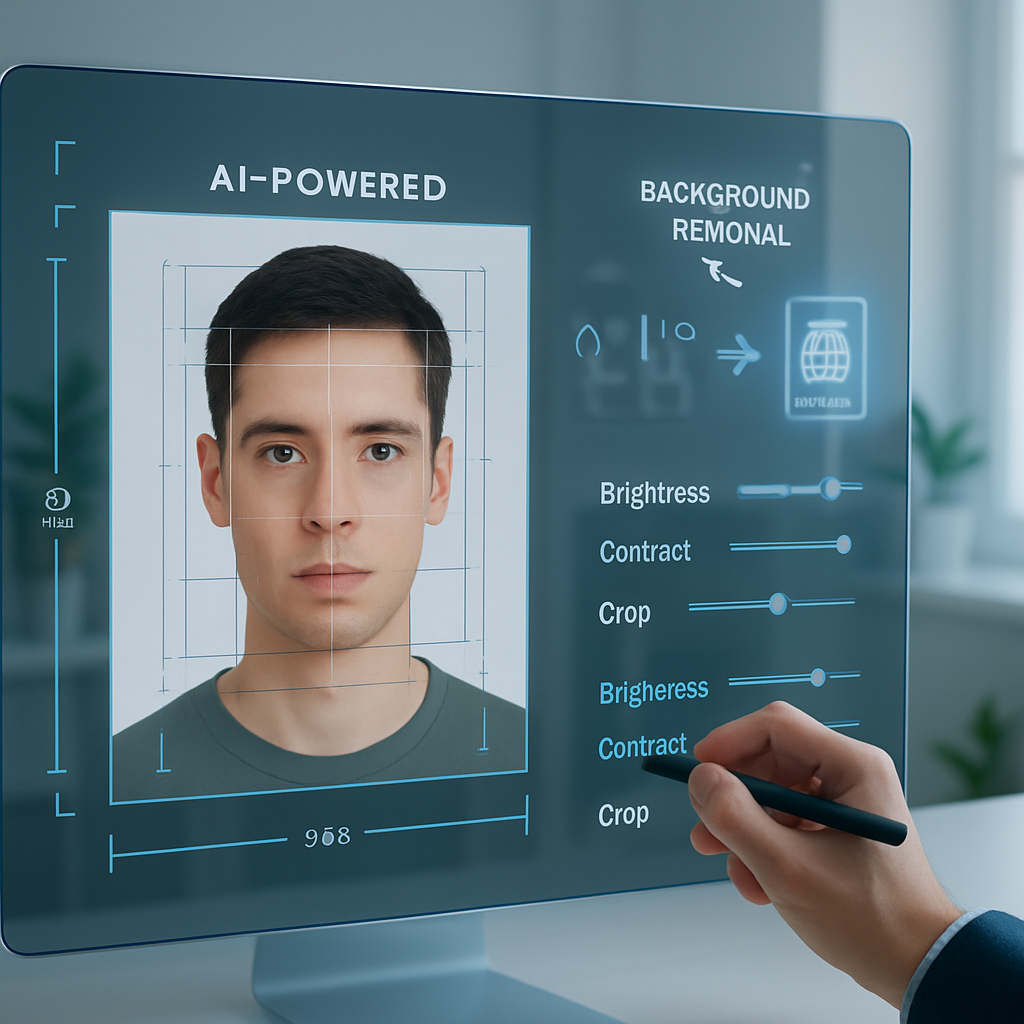
Creating passport photos that meet strict biometric standards can be time-consuming and costly without the right tools. A free passport photo maker streamlines this process by providing easy-to-use online tools that ensure your photos comply with ICAO 9303 requirements and country-specific regulations. By leveraging AI-driven background removal and intuitive photo editing features, you can quickly produce high-quality visa and ID photos without costly studio visits.
This guide will walk you through using an online passport photo maker to adjust dimensions, lighting, and composition for flawless results. You’ll learn how to meet key biometric criteria such as neutral expression, eye visibility, and consistent backgrounds while saving time and money with DIY solutions. Let’s explore how intelligent automation and straightforward editing tools make creating your biometric passport photos a seamless experience.
These templates and tools are intended for personal use to meet photo specifications and are not substitutes for official document processing.
Using a free passport photo maker simplifies the process of creating compliant biometric photos for passports, visas, and IDs. This guide helps you understand how to generate official photos online quickly while meeting strict standards.
- Utilize AI-driven background removal: Automated tools efficiently isolate and replace backgrounds to match official requirements.
- Ensure compliance with ICAO 9303 standards: Follow exact size, head position, and lighting rules to avoid application rejections.
- Choose country-specific settings: Tailor your photo dimensions and specs based on your destination country’s regulations.
- Save time and cost with DIY solutions: Create visa and ID photos at home without expensive studio visits or delays.
- Leverage easy online editing tools: Adjust brightness, contrast, and cropping directly on the platform for perfect results.
- Understand biometric photo requirements: Learn key factors like neutrality of expression, eye visibility, and background uniformity.
- Hidden insight—AI enhances user experience: Intelligent automation reduces user effort and risks, making the free passport photo maker a reliable choice.
Next, you’ll explore step-by-step instructions on creating your biometric passport photos online and tips to ensure smooth acceptance for ID and visa purposes. These templates and tools are intended for personal use to meet photo specifications and are not substitutes for official document processing.
Understanding Biometric Passport Photo Requirements
Mastering biometric passport photo requirements is crucial for creating compliant images suitable for official use. Editable document templates, particularly passport PSD mockups, empower users to craft photos that meet these standards efficiently.
Key Standards: ICAO 9303 Overview
The ICAO 9303 standard governs biometric passport photos, specifying exact dimensions (typically 35x45mm), head size proportions (the head must occupy approximately 70-80% of the photo), and placement within the frame. Head positioning should be centered with a neutral expression, while lighting must be soft and evenly distributed to avoid shadows or reflections. The background should be plain, usually white or light grey, to meet global readability and scanning requirements.
Using editable PSD passport templates based on these specifications allows for precise alignment and consistent layout replication, significantly reducing the risk of rejection due to non-compliance.
Country-Specific Passport and Visa Photo Specifications
Though ICAO 9303 provides a baseline, countries often have subtle variations such as required background hues, photo size adaptations (e.g., 33x48mm for Denmark), or head measurement ranges. Editable templates designed with these variations in mind include locked placeholders and scalable layers that adjust dimensions automatically to the target country’s regulation.
Implementing locale-aware presets in PSD and Word templates, or leveraging editable PDF fields, can guide users through these regional constraints, speeding up the photo creation without second guessing format correctness.
Crucial Biometric Criteria for Acceptance
- Neutral expression and closed mouth: Ensures facial features are captured accurately without distortions from smiles or frowns.
- Clear, unobstructed eye visibility: Avoid glasses glare, hair obstruction, or any accessories that might block facial landmarks.
- Uniform and plain background assurances: Background layers in PSD templates can be toggled or replaced with seamless fills to maintain consistency across photos.
These biometric prerequisites underpin the successful use of passport photo templates for professional or personal applications. Next, understanding how to select the most effective free online passport photo maker can streamline your workflow.
Choosing the Right Free Passport Photo Maker Online
Features to Look for in a Passport Photo Generator Free
Selecting an optimal online passport photo maker means ensuring the tool incorporates several essential features:
- AI-powered background removal: Automatically isolates the subject and generates a clean, uniform backdrop compliant with ICAO and country-specific standards.
- Automatic dimension and cropping adjustments: The software dynamically adjusts image size and head placement precisely based on recognized guidelines, reducing manual correction time.
- User-friendly editing tools: Functions like brightness and contrast controls help fine-tune images to avoid shadows or glare, critical for biometric clarity.
These features often come bundled with smart templates and step-by-step wizards that further reduce errors and speed deliveries.
Comparing Popular Online Passport Photo Makers
Among free platforms, some stand out by offering comprehensive biometric photo maker capabilities including multi-country selection, batch uploads, and instant compliance checks. Evaluating these tools for ease of use, no-hidden-cost policies, and format export options (JPEG, PNG, or even PDF) is essential.
For advanced users or designers, pairing such tools with editable PSD passport templates provides an opportunity to customize and mock up professional-grade images. Check out passport PSD templates to experiment and understand professional layout standards.
This foundation enables a stepwise approach to creating a compliant biometric passport photo online.
Step-by-Step Guide to Creating a Biometric Photo Online
Step 1: Upload Your Original Photo
Start with a well-shot, high-resolution photo. Your face should be well lit from the front with no shadows on the face or background. Maintain a neutral expression and ensure your head fills 70-80% of the frame. Standing roughly 1.5 meters from the camera usually achieves this scale. Many templates and applications provide on-screen guides or grids to help position the head correctly.
Step 2: Use AI Background Removal for Clean Backdrops
Leverage integrated AI to automatically remove background noise, replacing it with a uniform color matching required specifications. This automated step removes distractions like uneven walls or furniture, guaranteeing the clean, plain background that authorities require. Editable PSD passport mockups allow fine control over background layers to perfect uniformity.
Step 3: Adjust Size, Head Position, and Crop Precisely
- Select your country: Automatic resizing sets dimensions and aspect ratios ensuring exact size compliance according to local regulations.
- Head size and placement: Ensure the head height from chin to crown falls within the typical 32mm to 36mm range, aligned centrally within the frame.
- Cropping tools: Use precise cropping boundaries to avoid uneven borders which may invalidate the photo.
Step 4: Fine-Tune Brightness and Contrast
Use built-in editing sliders to smooth out any harsh shadows or washed-out facial areas. Proper brightness ensures facial features such as eyes, nose, and mouth are clearly distinguished without overexposure or dark patches, which are common reasons for rejection.
Step 5: Download and Print Your Biometric Passport Photo
Export the final image in JPEG or PNG format to preserve quality and compatibility. Printing on high-quality photo paper at the specified dimensions is critical; ensure that printer settings match the exact photo size for the application.
For aesthetic layout ideas and layer structure examples, consult this Canada passport PSD template mockup, which showcases professional-grade arrangement and styling.
Having mastered the technical steps for creation, let’s examine the practical advantages of using a free biometric passport photo maker.
Benefits of Using a Free Biometric Passport Photo Maker
Save Time and Cost with DIY Passport Photos
Avoiding the expense and inconvenience of photo studios, free online tools offer immediate photo generation on your schedule. Editing and re-shooting multiple times is quick and cost-free, reducing application delays.
Enhance User Experience with AI Automation
AI integration minimizes manual editing burden and risk of non-compliance. Its automation capabilities ensure photos stick to international standards, improving first-time acceptance rates and user confidence.
Access to Customizable Passport and Visa Templates
Editable PSD templates like the Bahrain passport PSD mockup further empower users to explore precise framing and design elements. This helps in understanding measurement accuracy, head placement, and background requirements, making customization precise and repeatable.
Understanding these benefits supports effective use of templates while avoiding common pitfalls in passport photo creation.
Conclusion
Mastering biometric passport photo creation involves understanding and applying precise standards such as ICAO 9303 and country-specific variations. Utilizing editable document templates, especially passport PSD mockups, simplifies adherence to size, framing, and background requirements while ensuring consistency and accuracy. Complementing these templates with advanced free online passport photo makers that offer AI background removal, automatic cropping, and user-friendly editing tools significantly streamlines the entire process.
This integration of editable templates and intelligent software not only accelerates the creation workflow but also enhances quality through reusable design components and locale-aware presets. Users gain greater control over compliance factors, leading to more reliable outputs without repeated trial and error. By exporting clean, correctly dimensioned images ready for professional printing, the overall experience becomes both cost-effective and efficient.
Looking ahead, maintaining attention to detail in biometric photo requirements and leveraging these digital solutions positions users to produce consistently high-quality passport photos. Embracing these resources encourages both precision and ease in what can otherwise be a complex task, ultimately fostering smoother preparation for travel documentation needs.